
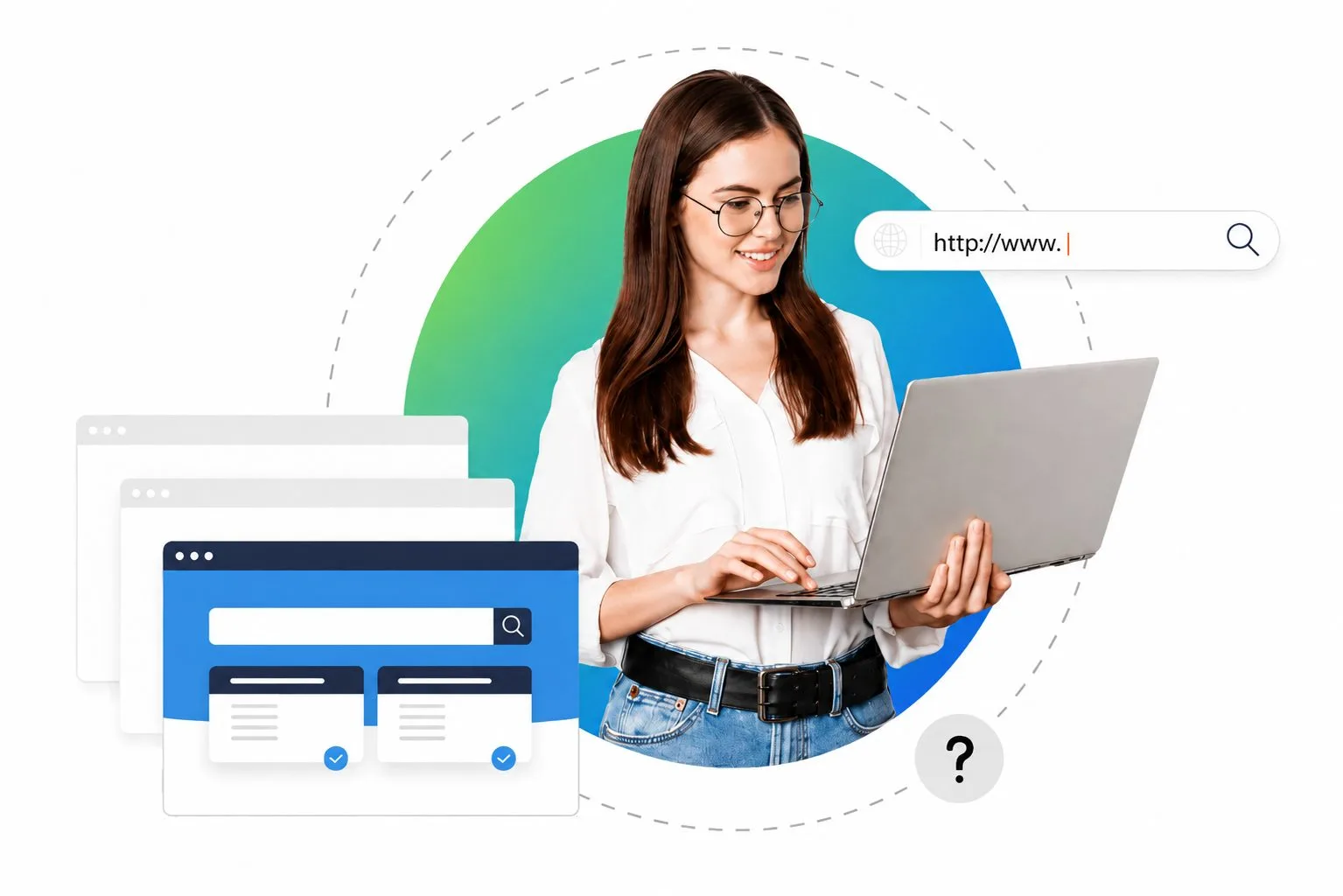
Monitoring & capture
Multi-modal visibility into what happens on each company desktop.
- Screenshot capture
- Session replay
- Application usage
- Website tracking
- USB event logging
- File access audit
Headx Monitor · built by SV Soft Solutions
Headx shows managers how working hours are really spent, records attendance from real activity and blocks data leaving by USB, upload or print. One light agent per PC, one console for the whole office, on our cloud or your own servers.
Why owners, HR and IT teams ask us for a monitoring platform, and what changes once it is running.

USB copies, uploads to personal drives, clipboard and print jobs are checked against your rules, and risky ones are blocked or flagged straight away.
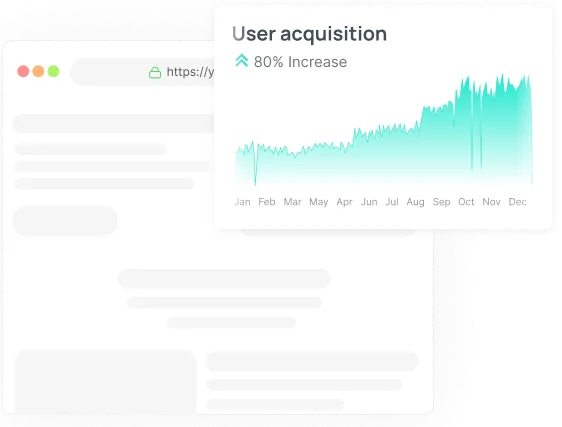
Productive, idle and unproductive time per person and team.
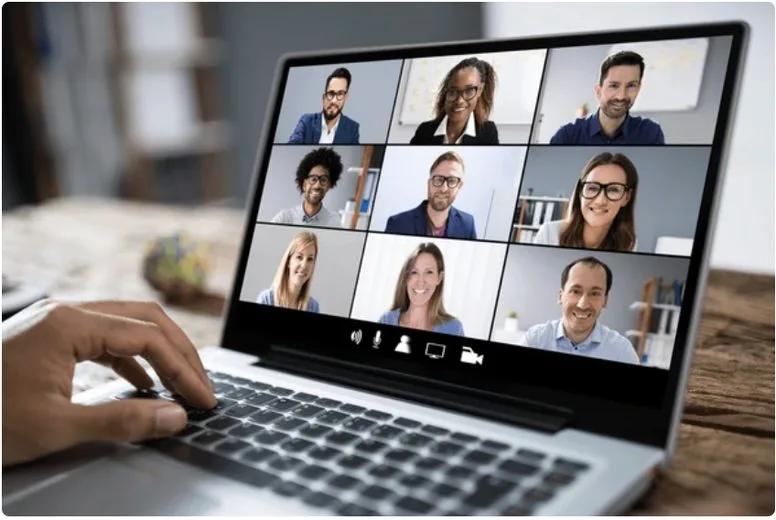
The same reports for staff in the office or working from home.

Appraisals built on recorded work, not on who is seen most.

Find the moment a file, client or word appeared on any screen.
Hybrid work, data-protection law and rising insider risk have made visibility a board-level topic, not just an IT task.
Managers need fair, objective signals of work done when people are not in the same room.
India’s DPDP Act puts responsibility on companies to control how personal and client data leaves their systems.
Most data loss starts with everyday actions: USB copies, personal email, uploads to unknown sites.
Automatic attendance and active hours remove disputes and manual timesheet work.
Flip between the two to see how the same day looks once every PC reports in.
The five parts of Headx, as managers see them. Pick a section to look inside.
Multi-modal visibility into what happens on each company desktop.
How time is really spent, with time-theft patterns surfaced without an audit.
See any online PC in real time, and lock, restart or shut it down from the console.
Decide who is monitored, when, and how, team by team.
Detect insider risk and stop data leaving the company.
Move the sliders to match your office. The result compares the salary value of recovered time with the Headx Essential plan.
An estimate, not a promise: it assumes 22 working days and 8-hour days, and the minutes recovered are your own figure.
Get an Exact QuotePick the capabilities you need. DLP Focus is data-loss prevention on its own, without screen capture.
Who is working, and on what
Data-loss prevention only
Monitoring plus protection
Full suite for larger teams
Monthly prices per PC as listed on headx.in. Ask us for volume and on-premise pricing.
The same Headx agent and console, hosted on our cloud or on a server in your own office.
We host and update the console for you. Install the agent on each PC and start seeing data the same day.
The console runs on your own server, so screenshots and activity data never leave your network.
How a new PC goes from setup to its first productivity report.
What each part of the platform does and who uses it day to day.
Understand where time goes across apps, websites and teams.
Stop sensitive data from leaving company PCs.
Accurate hours without manual entry.
Control who sees what, and keep employees informed.
Launch day is the start. This is how we support and grow the platform with you.
We monitor orders, payments and crashes daily and fix issues the same day.
We review real usage with you and adjust screens, settings and notifications.
Security updates, OS compatibility for new Android and iOS versions, and performance checks.
New features, new cities or branches and new integrations, planned together and released in phases.
Monitoring company-owned devices for business purposes is common, but you need a clear written policy and to inform employees. We help you set this up in line with the DPDP Act.
Yes, by default. The first run shows an on-screen notice listing what can be recorded, and each employee’s response is stored.
Yes. Headx runs on our cloud or fully on-premise, so monitoring data can stay inside your network.
No. The agent is lightweight and runs quietly in the background.
Yes. Headx is our own product, so we can add custom reports, integrations and rules.
Yes. The agent stores activity locally and syncs when the PC is back online.
You can give employees a personal dashboard so monitoring stays transparent.
You do. The apps are published under your brand and account, and your customer and business data belongs to you.
We provide bug fixes, security and OS updates, and help with new features. Support plans are agreed before launch so costs are clear.
Book a free demo and a short trial. Setup takes about 30 minutes.
Get in Touch with
Tell us how many PCs you manage and what you want to see. We will set up a free Headx demo for you.